
FarmLoop Stage 2 assembly, Snapmaker U1
Please read through the entire guide before beginning the installation. Ensure you have all prerequisites ready to avoid interruptions during assembly.
This guide covers installing FarmLoop Stage 2 on the Snapmaker U1.
Prerequisites
Section titled “Prerequisites”- Snapmaker U1 with latest firmware installed
- FarmLoop Stage 2 kit - door-opener actuator, bender actuator and holders, wire harness, limit switch, lid lifters, FarmBoard PCB, and mounting hardware
- FarmLoop Pro subscription, sign up at app.3d-farmers.com - not required if you already have a SimplyPrint Print Farm subscription (see SimplyPrint integration)
- A clean, flat work surface large enough to lay every part out
Components used in this guide:
- Door-opener button, rubber ring, and metal ring
- Door-opener linear actuator
- Bender linear actuator, bender bracket, and 2 levers, joined with an M4 bolt
- 2 bender holders
- Limit switch
- 4 rubber feet and 3 tilted feet
- Printed door hinge, secured with M3 bolts
- Wire harness and cable bracket
- Bender holder BT3 bolts
- 4 rubber pads and 4 lid lifters
- FarmBoard PCB and PCB holder
- Door handle and quick-release pin, secured with an M3 bolt/nut and an M4 bolt/nut
- Original print head and print-head cover
Hardware assembly
Section titled “Hardware assembly”1. Assemble the door opener
Section titled “1. Assemble the door opener”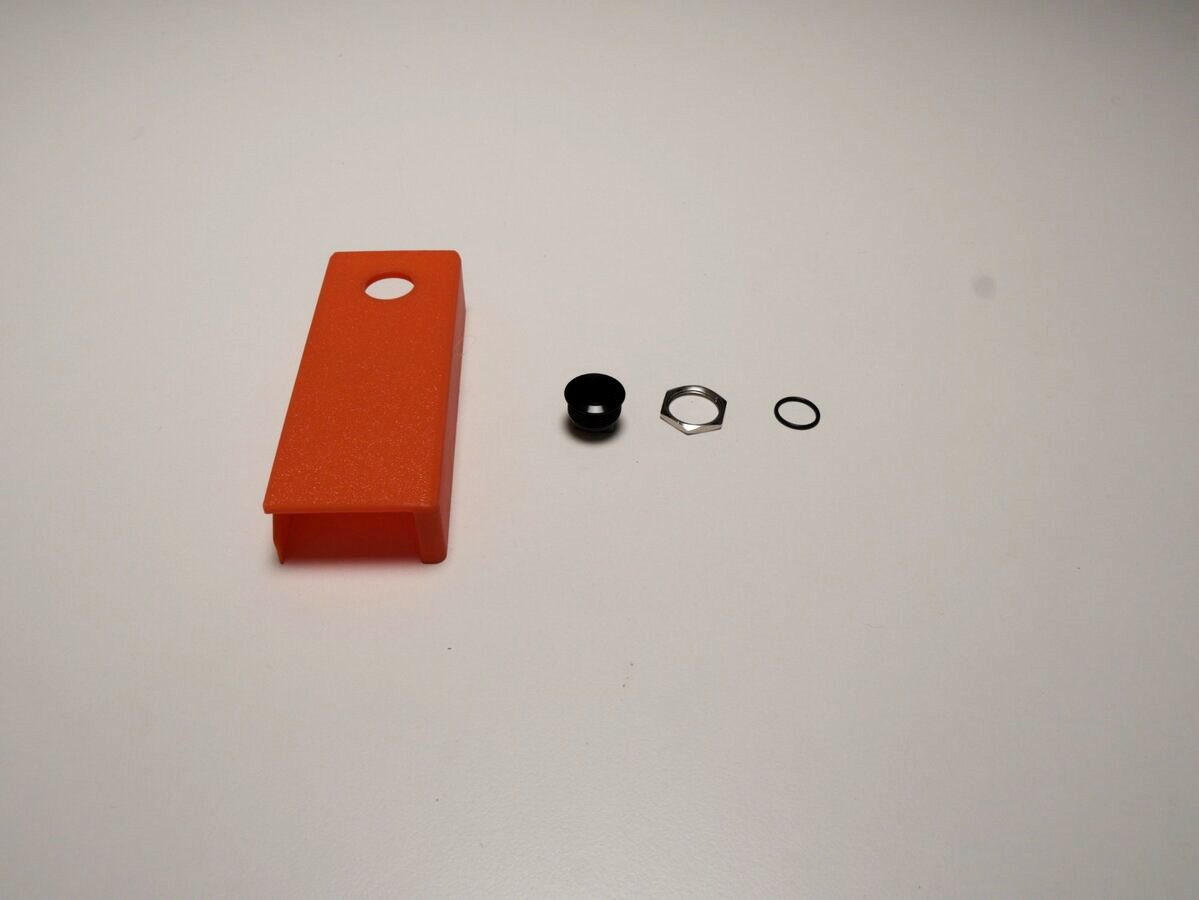
- Attach the wire to the terminals before pressing the button into place - it’s much easier to reach now than after the button is seated in the hole.
- Press the button into the designated hole in the lid.
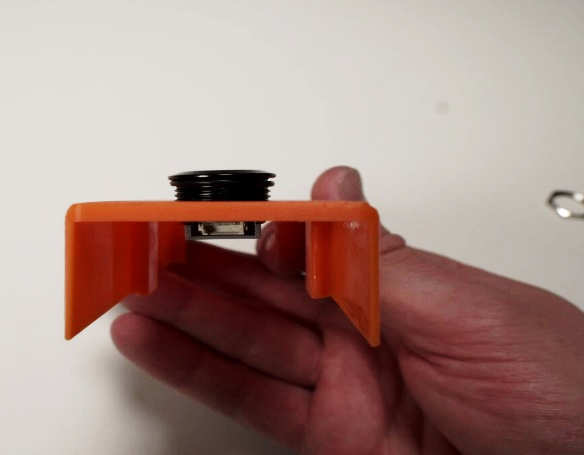
- Fix the button using the rubber ring and metal ring.
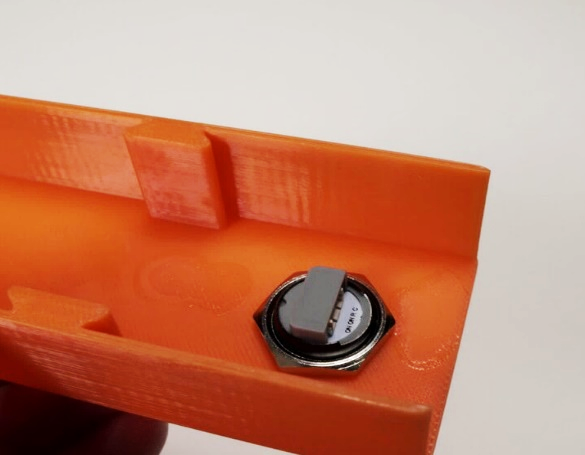
- Slide the actuator into the bottom part until fully seated.

- Align the lid with the base and press them together until they click/lock into place.
2. Set up the benders

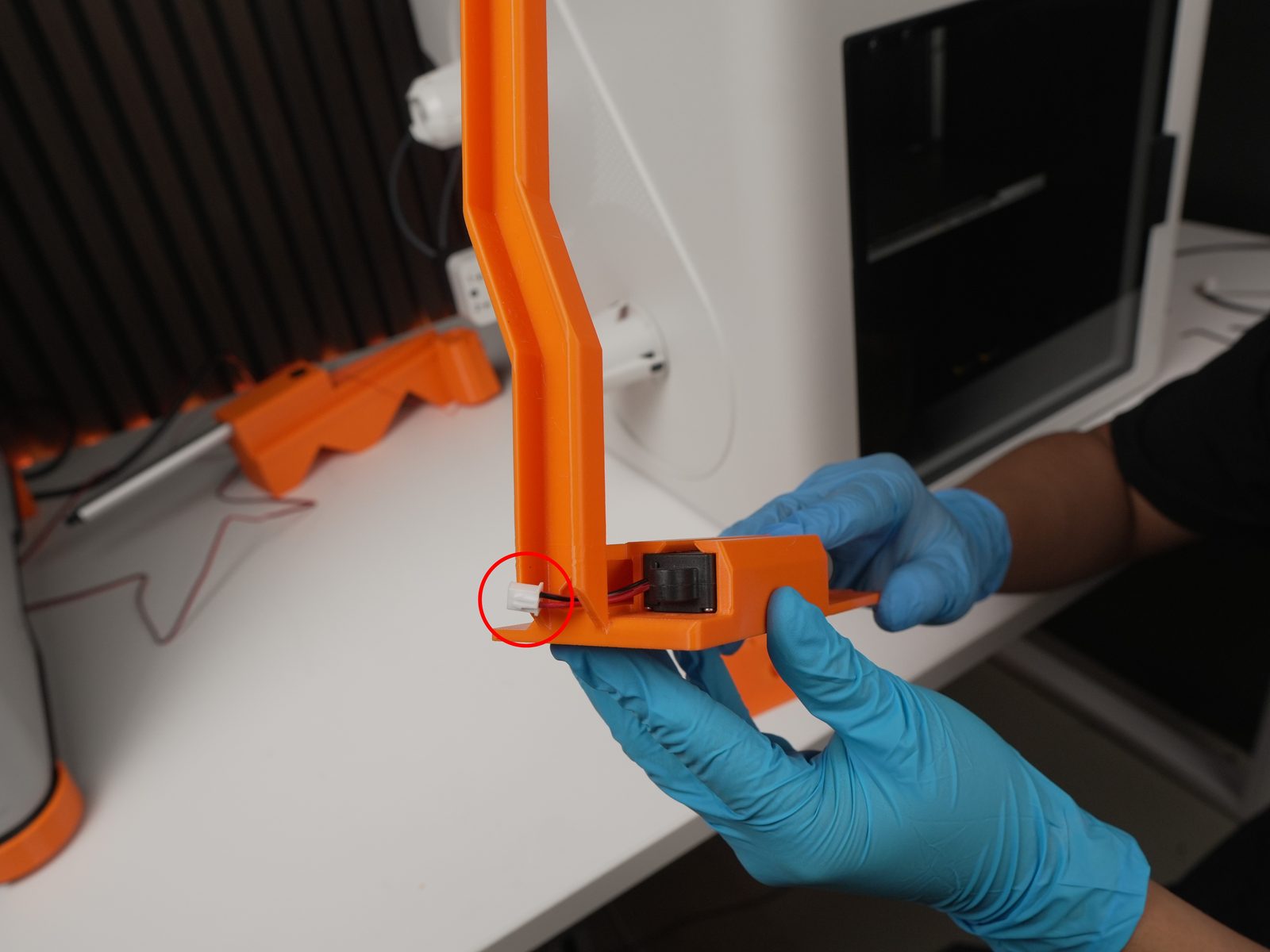
Section titled “2. Set up the benders”- Slide the actuator into the bracket (cable should be at the bottom). The connector at the bottom (circled) is easy to miss - the red wire has low contrast against the orange bracket, and the white plug blends into a light-colored table.
- Assemble the two levers using an M4 bolt.

- Attach the lever group to the actuator using an M4 bolt.
- Assemble the two bender holders together.
- Press the limit switch into the slot in the right part.
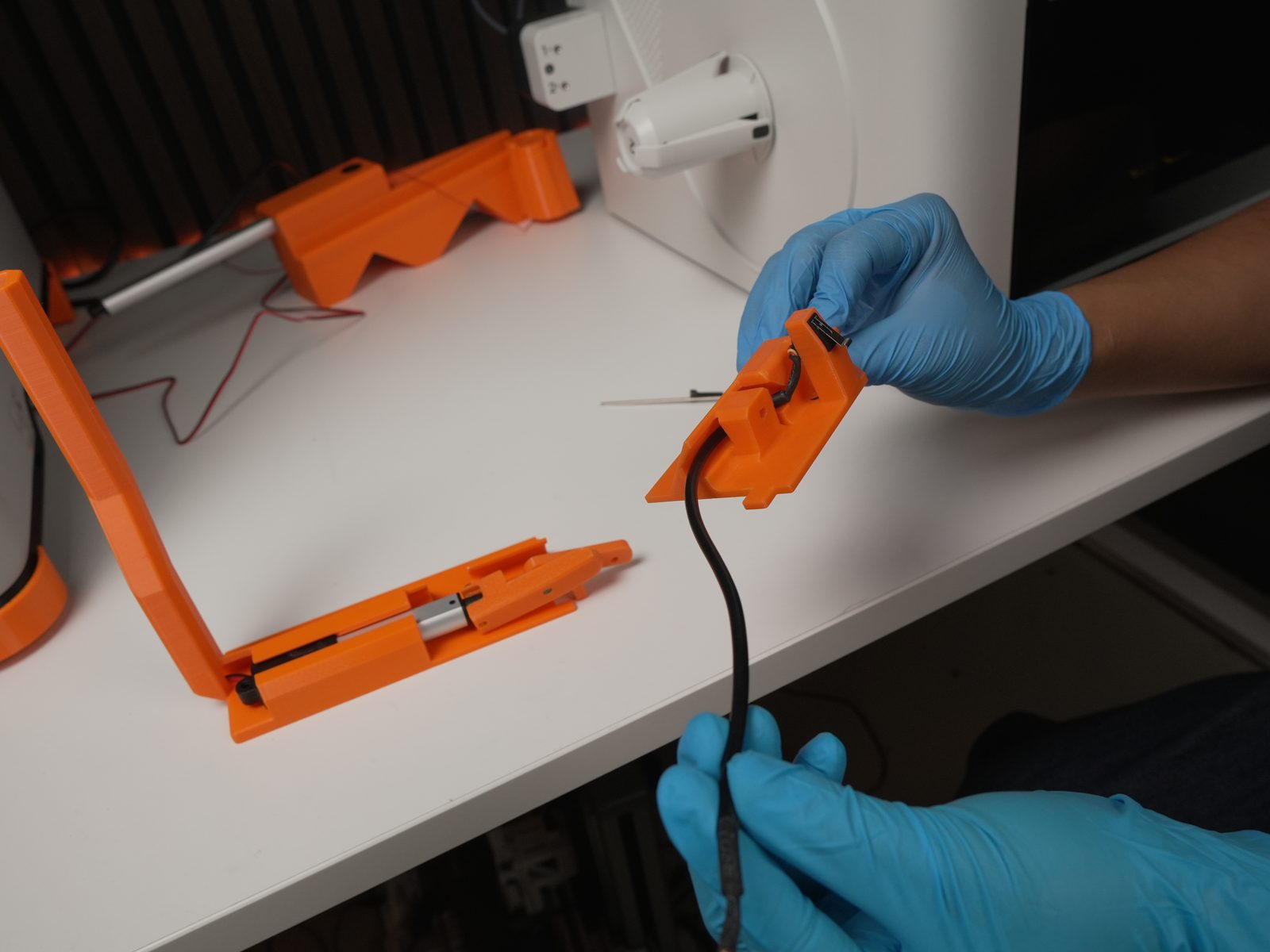
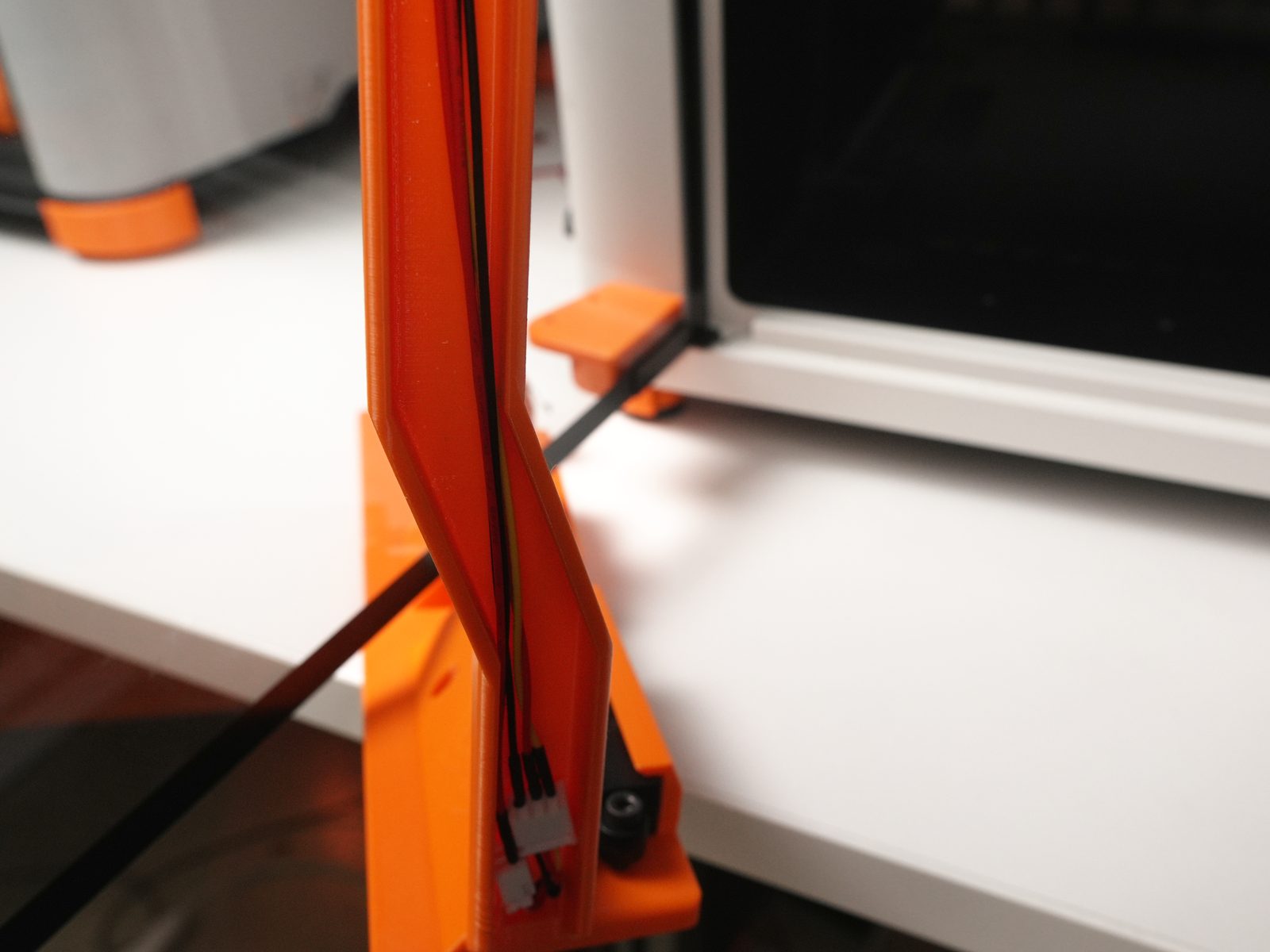
- Guide the limit-switch cable through the designated channel.


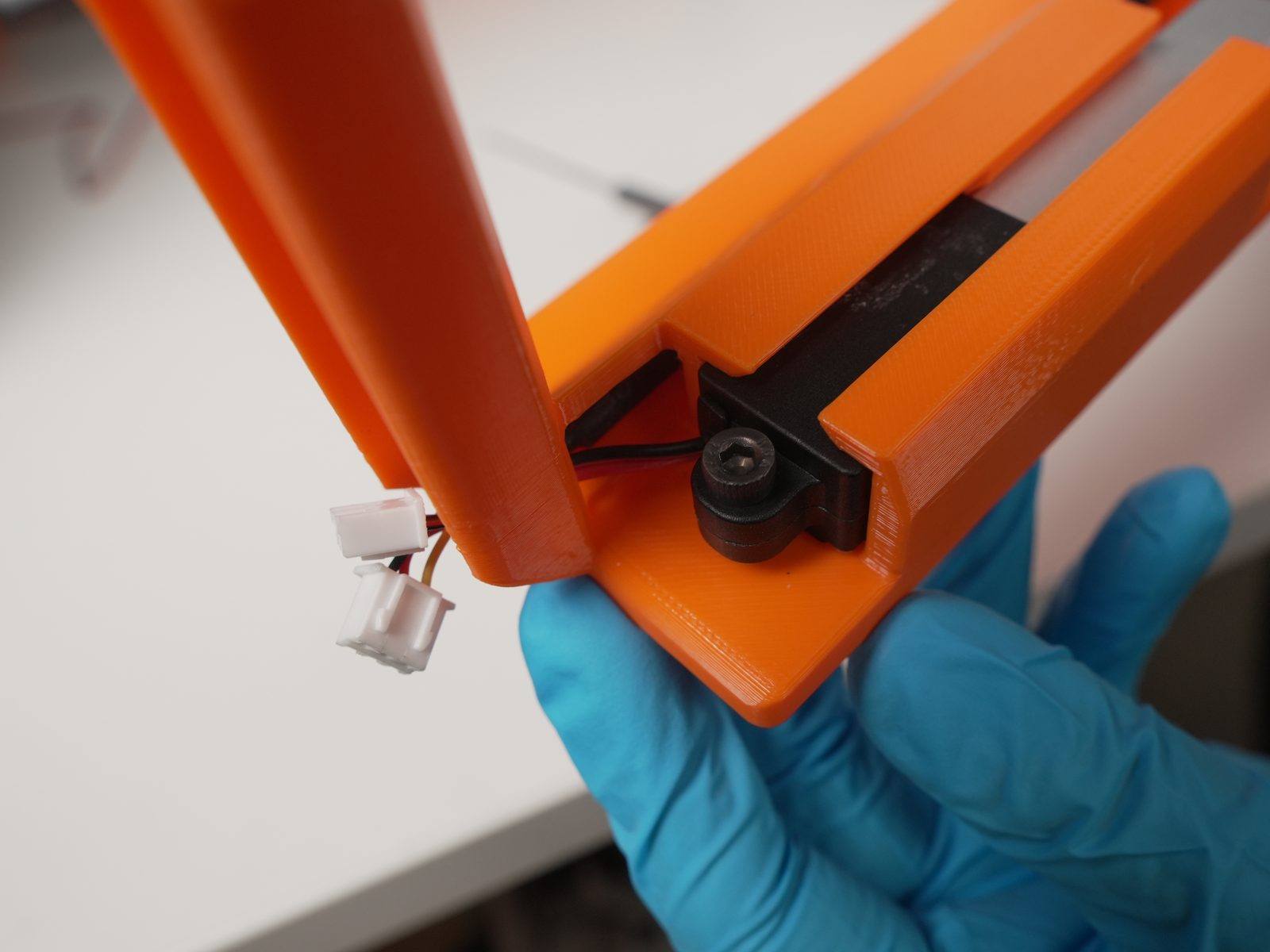
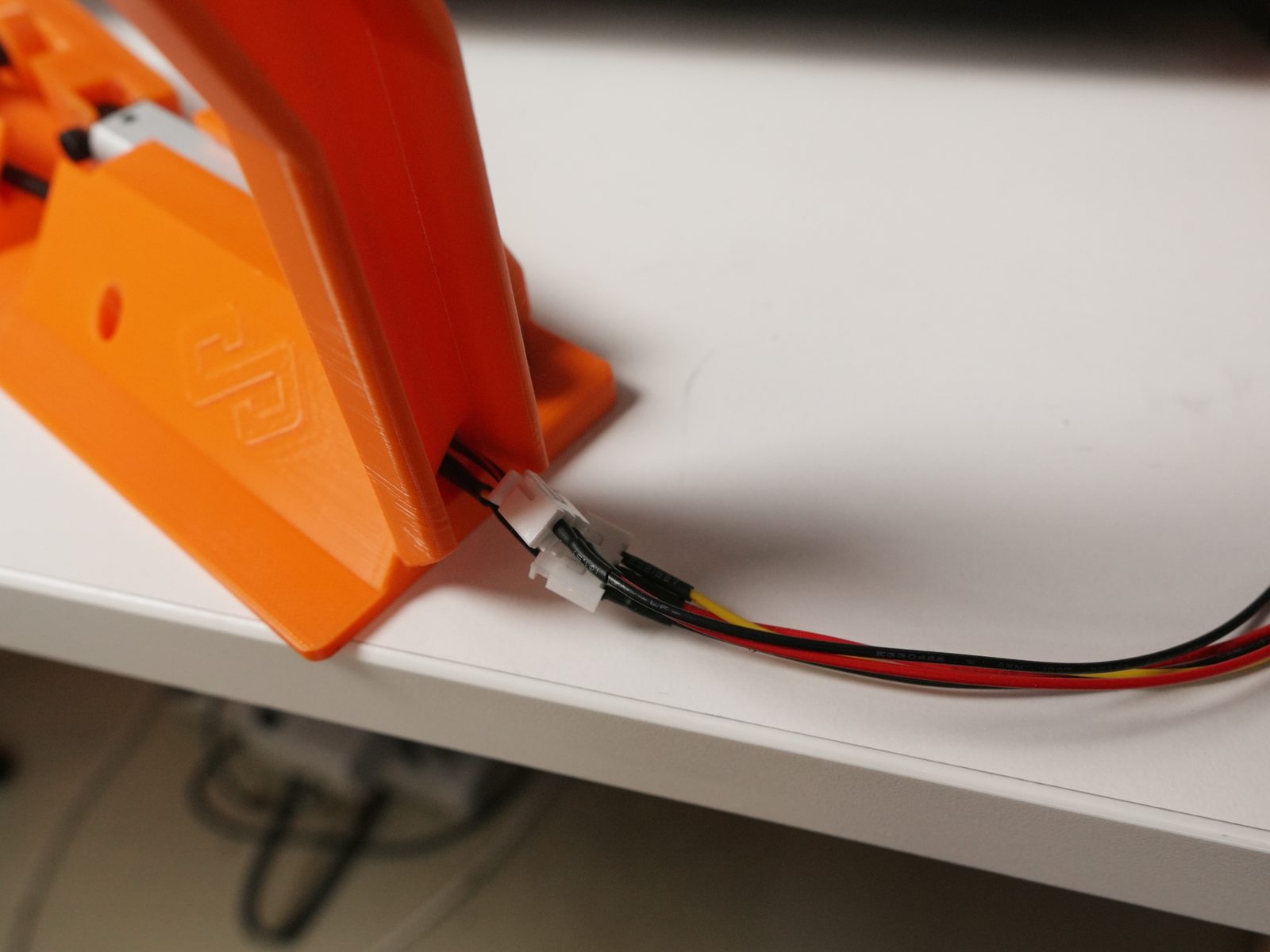
- Attach the bender to the bender holder at a tilted angle. Doing this after the limit switch is installed keeps the slot easy to reach - it gets cramped once the bender is in place.

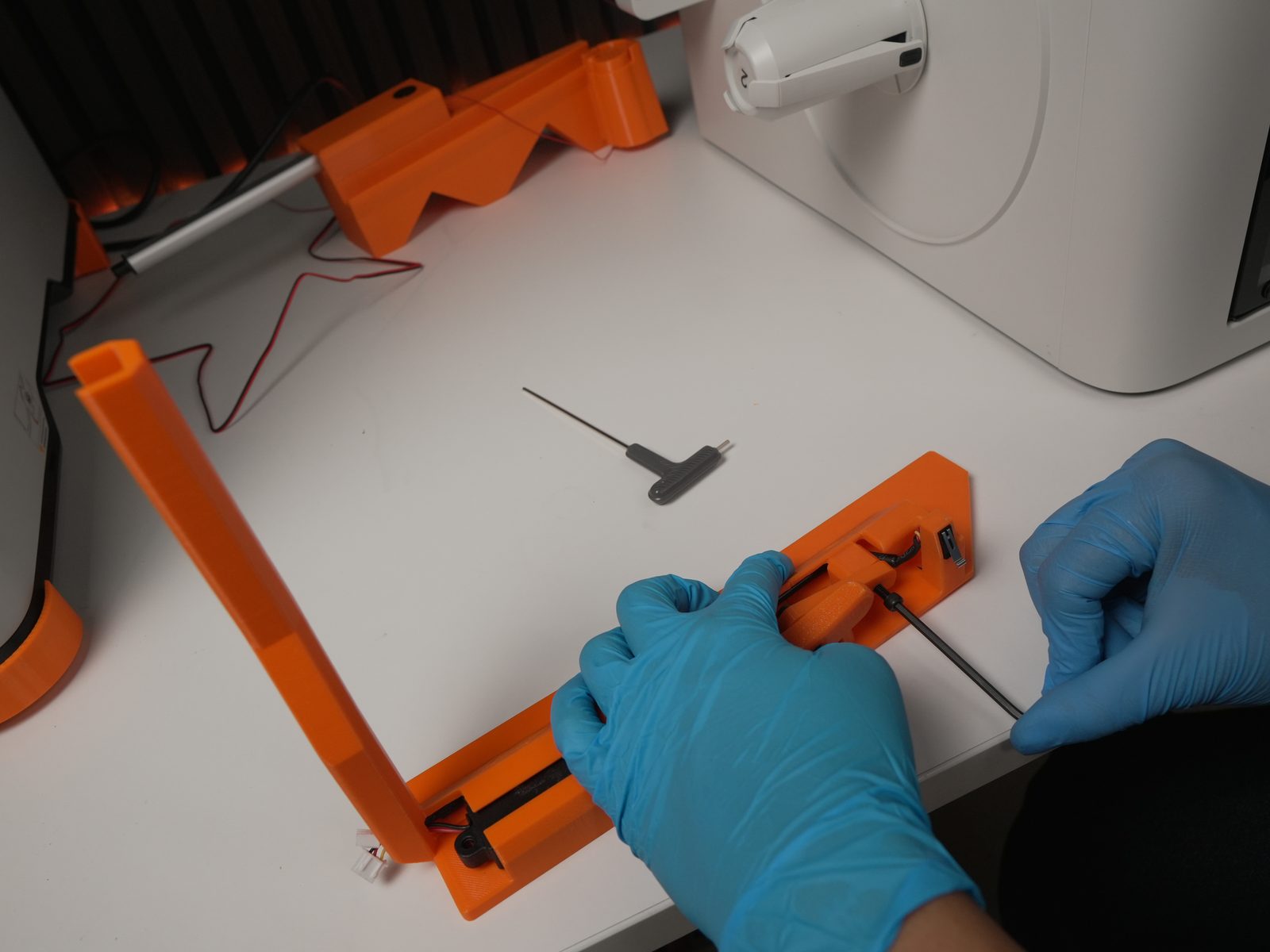
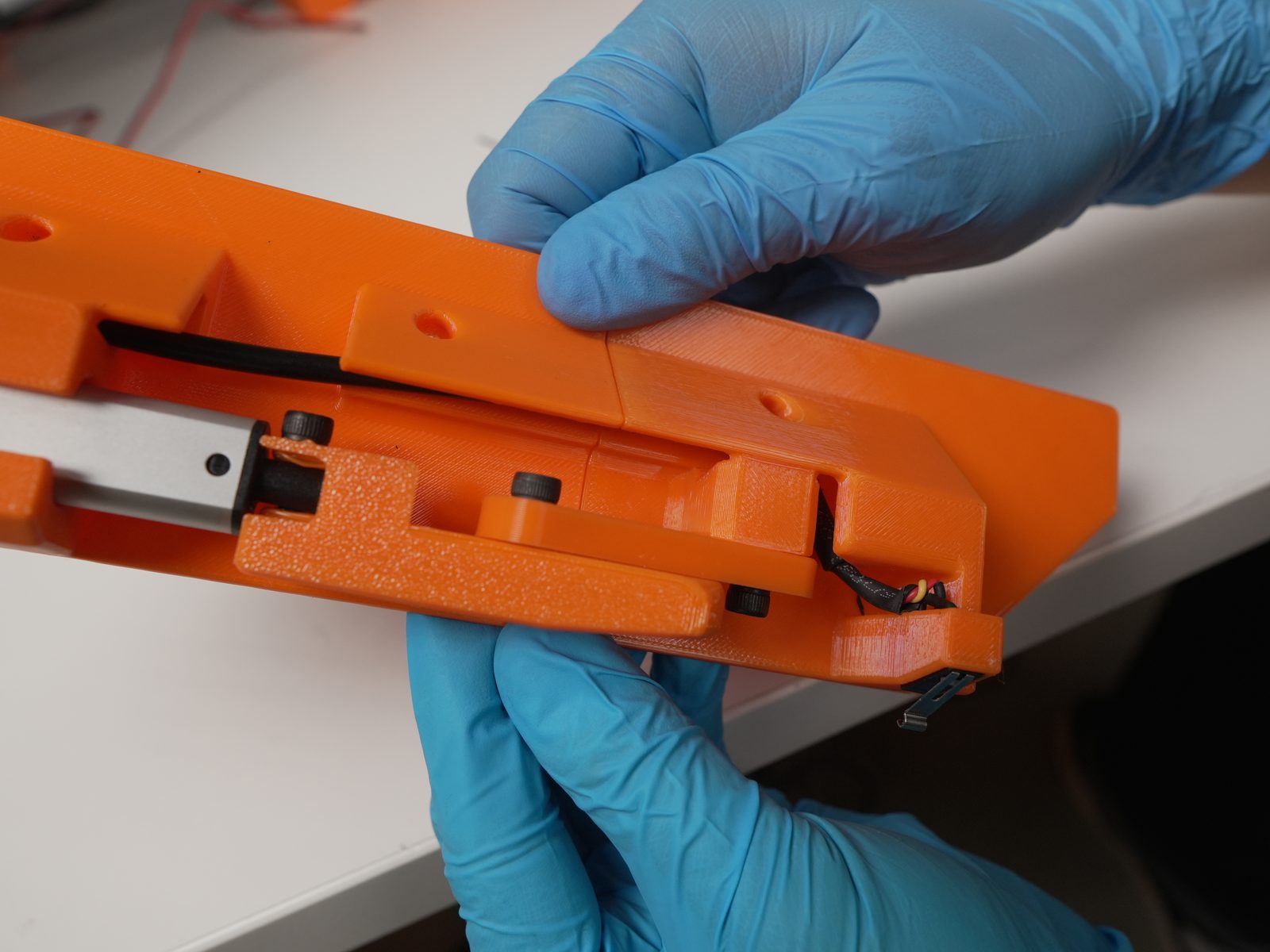
3. Prepare the 3D printer
Section titled “3. Prepare the 3D printer”- Flip the printer.
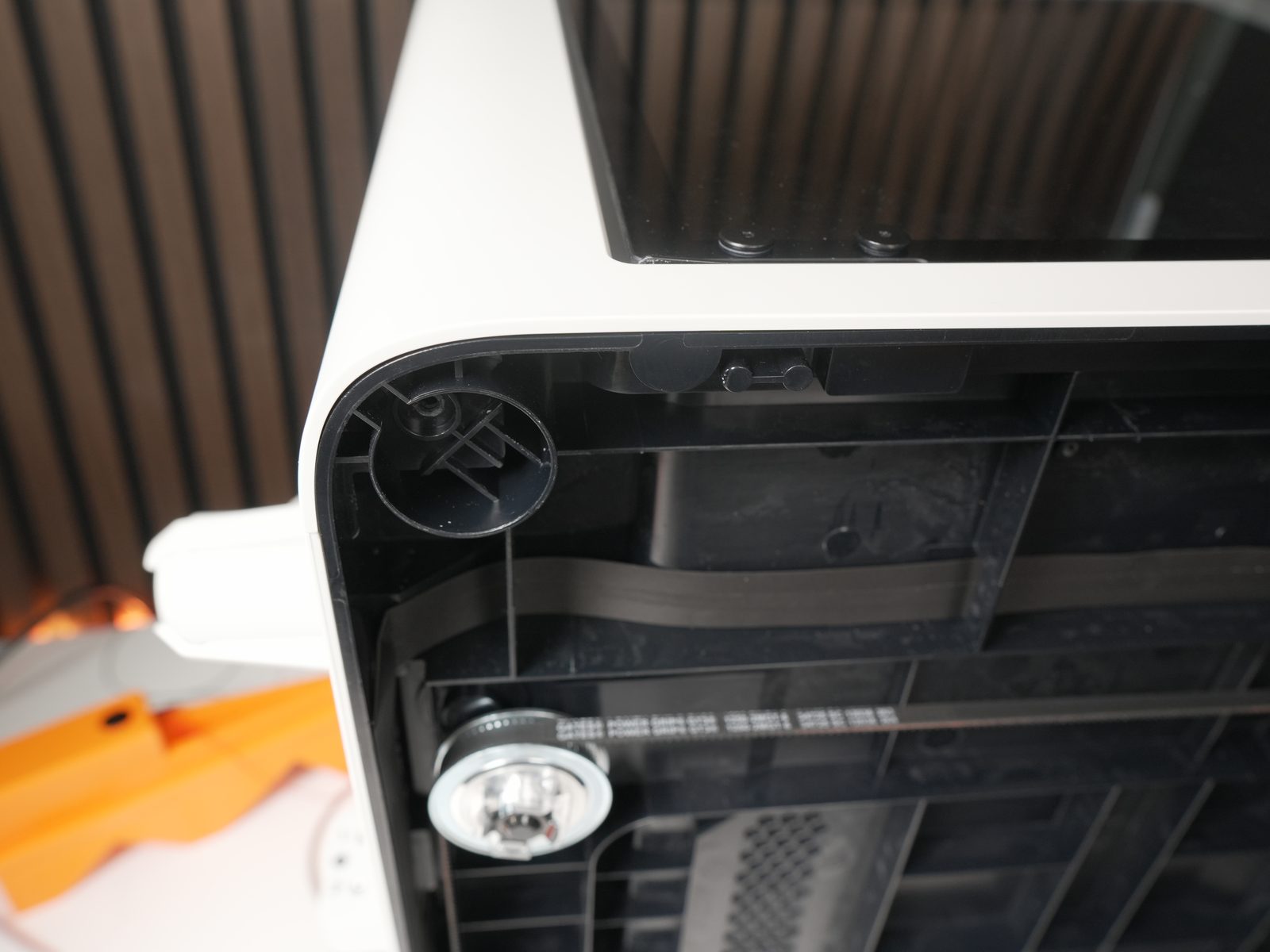
- Remove the 4 rubber feet and screws.

- Attach the rubber feet to the printed parts.
- Attach the 3 tilted feet.
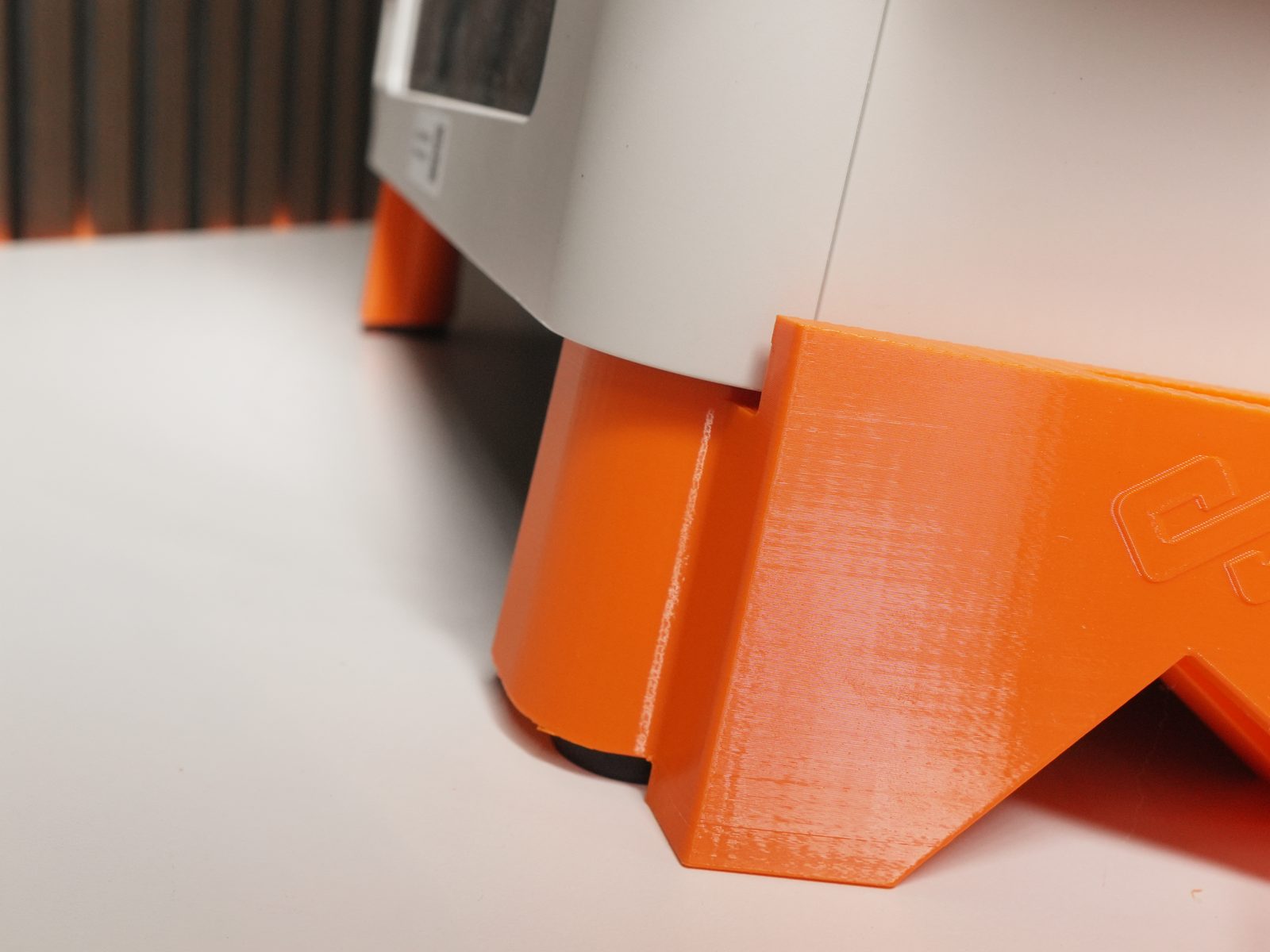

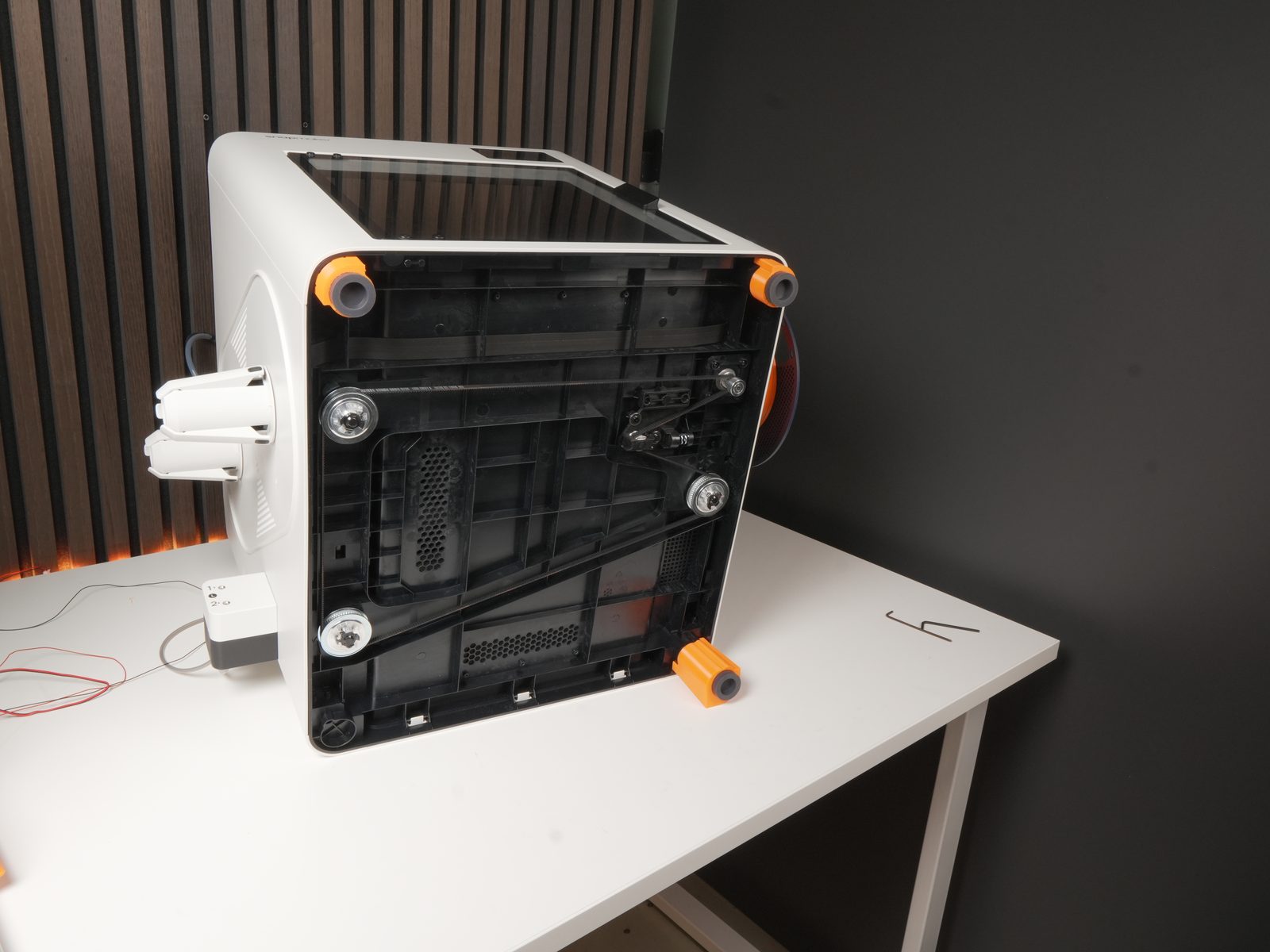
- Flip the printer back.
- Lift the printer slightly to put the actuator-holder foot in the correct position.

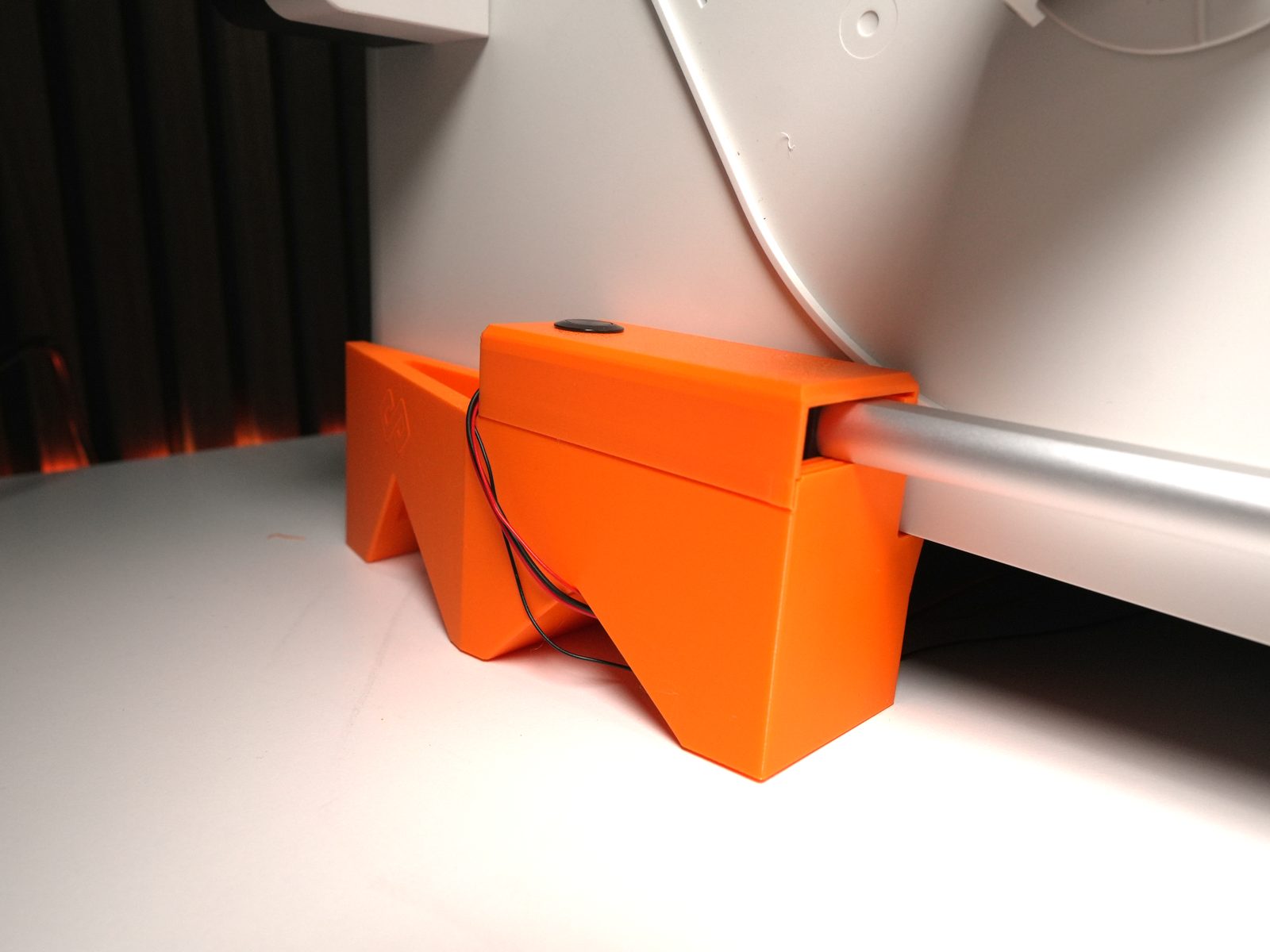
- Remove the bottom two screws from the original door hinge - position the new door hinge and reinsert two M3 bolts to secure it.
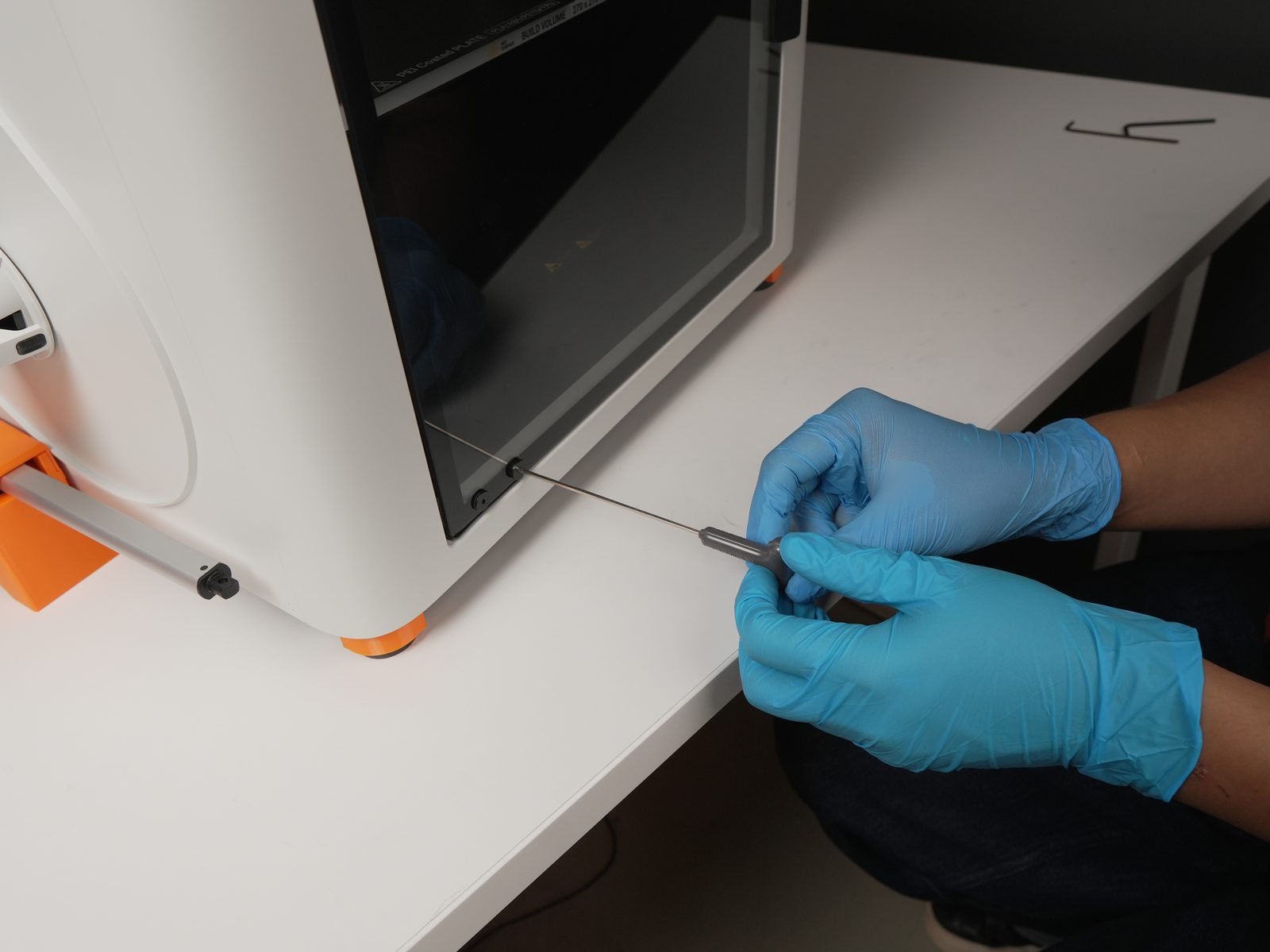
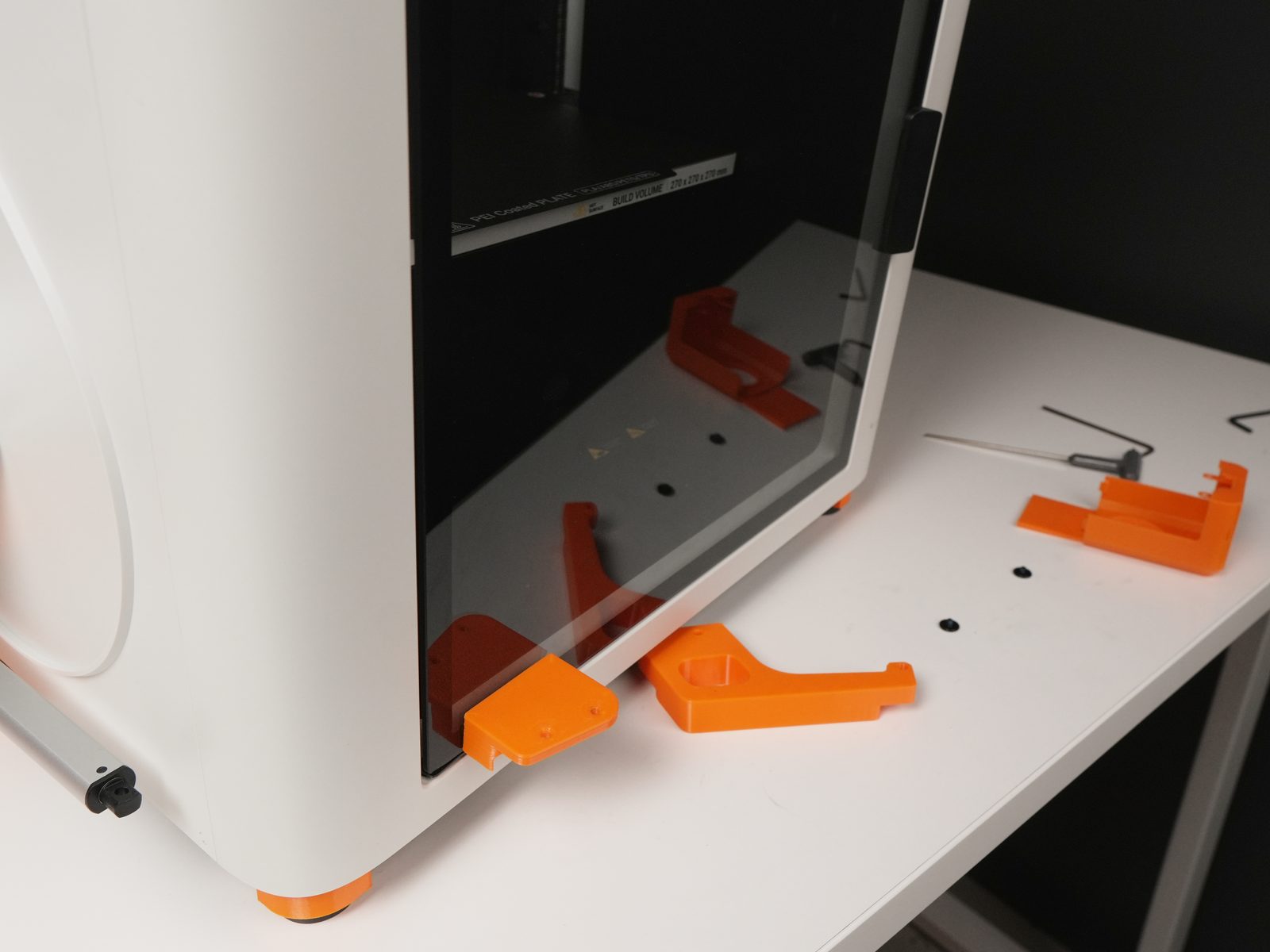
- Insert the wire harness into the print room through the opening.
- Connect the wire harness to the actuator and switch.
- Wrap the loose part of the wire harness using the cable bracket.
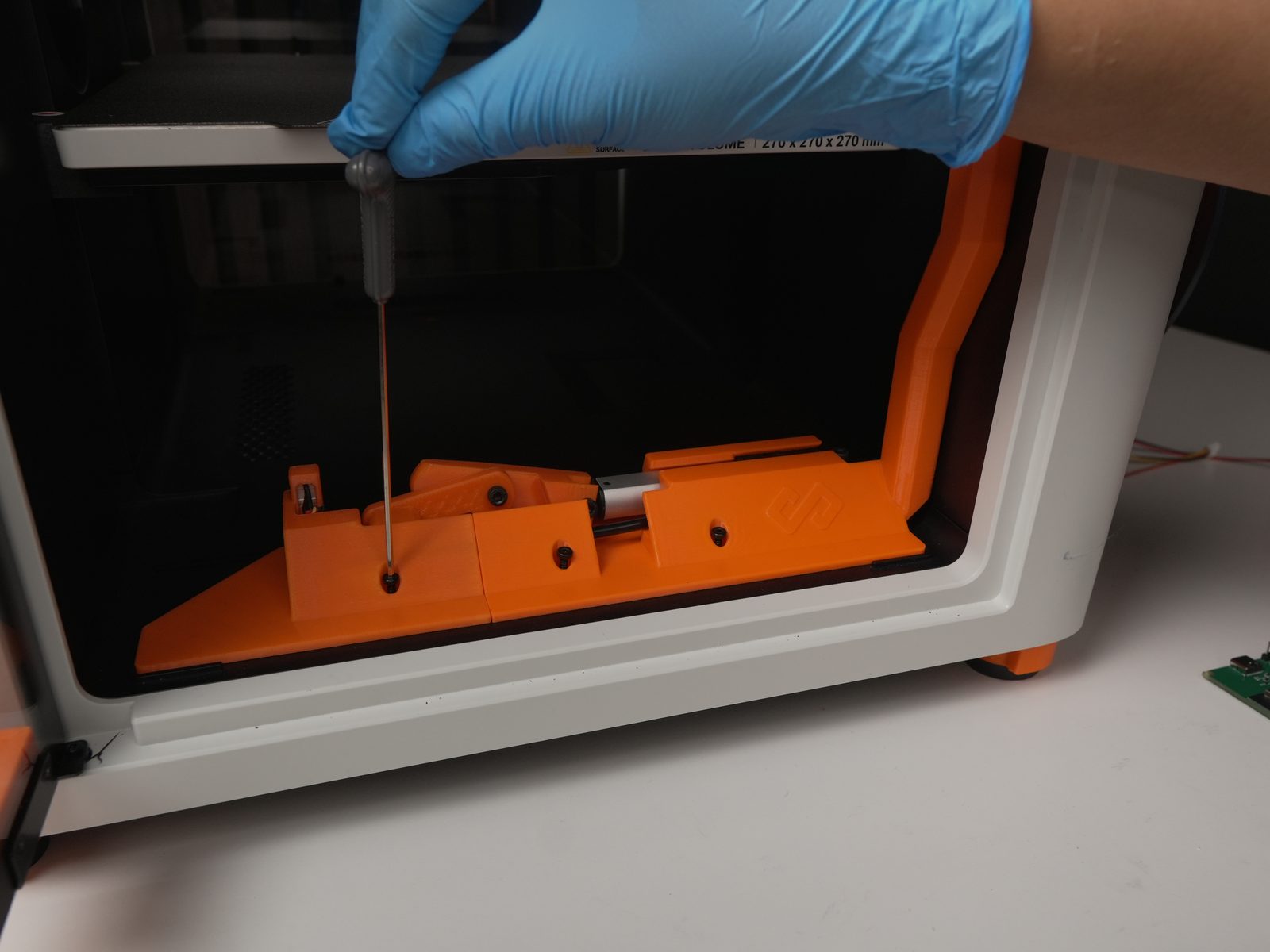
- Secure the bender holder using BT3 bolts.

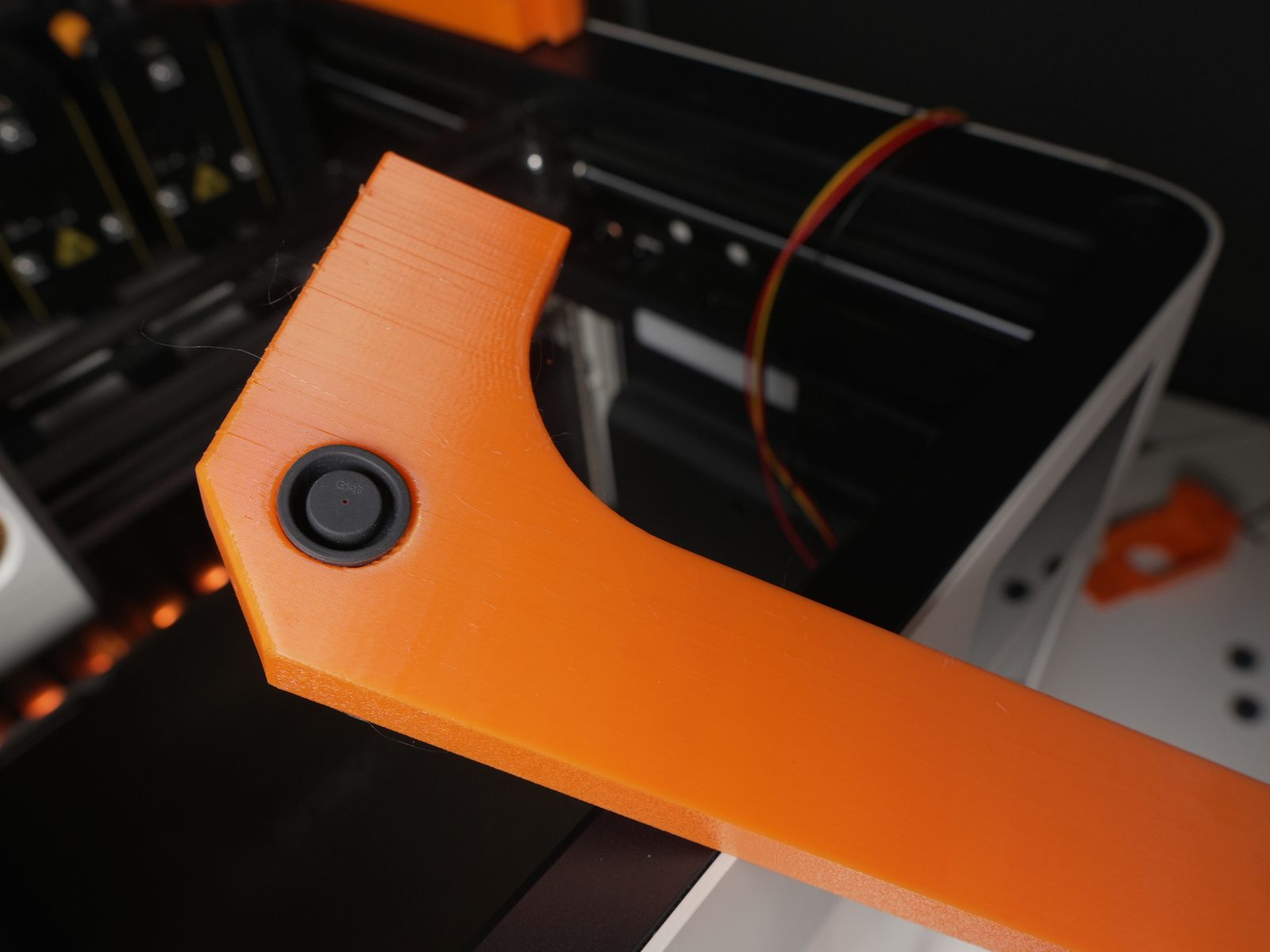
- Remove the 4 rubber pads on top of the printer and insert them into the designated holes inside the lid lifters.
- Place the 4 lid lifters.
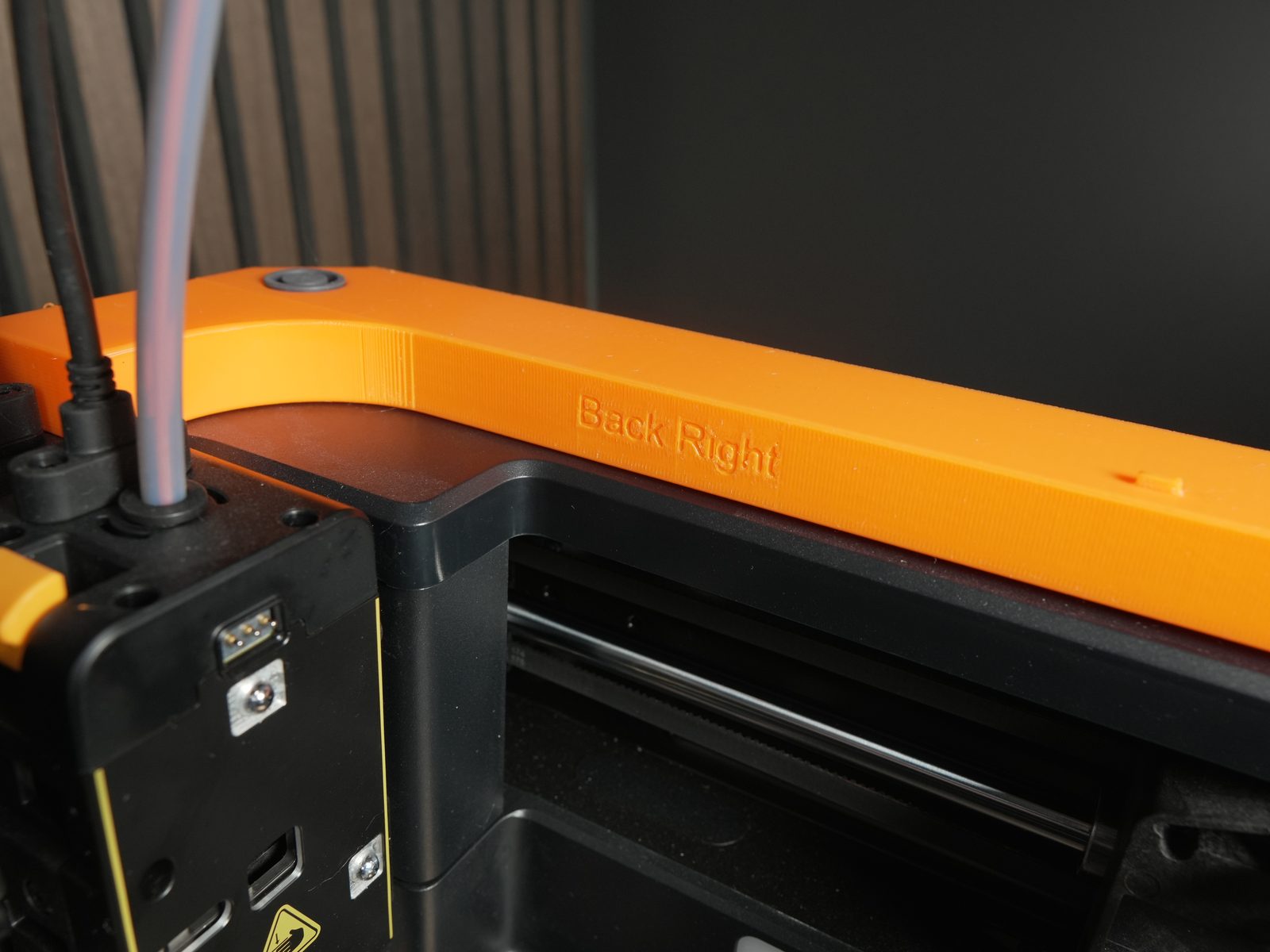
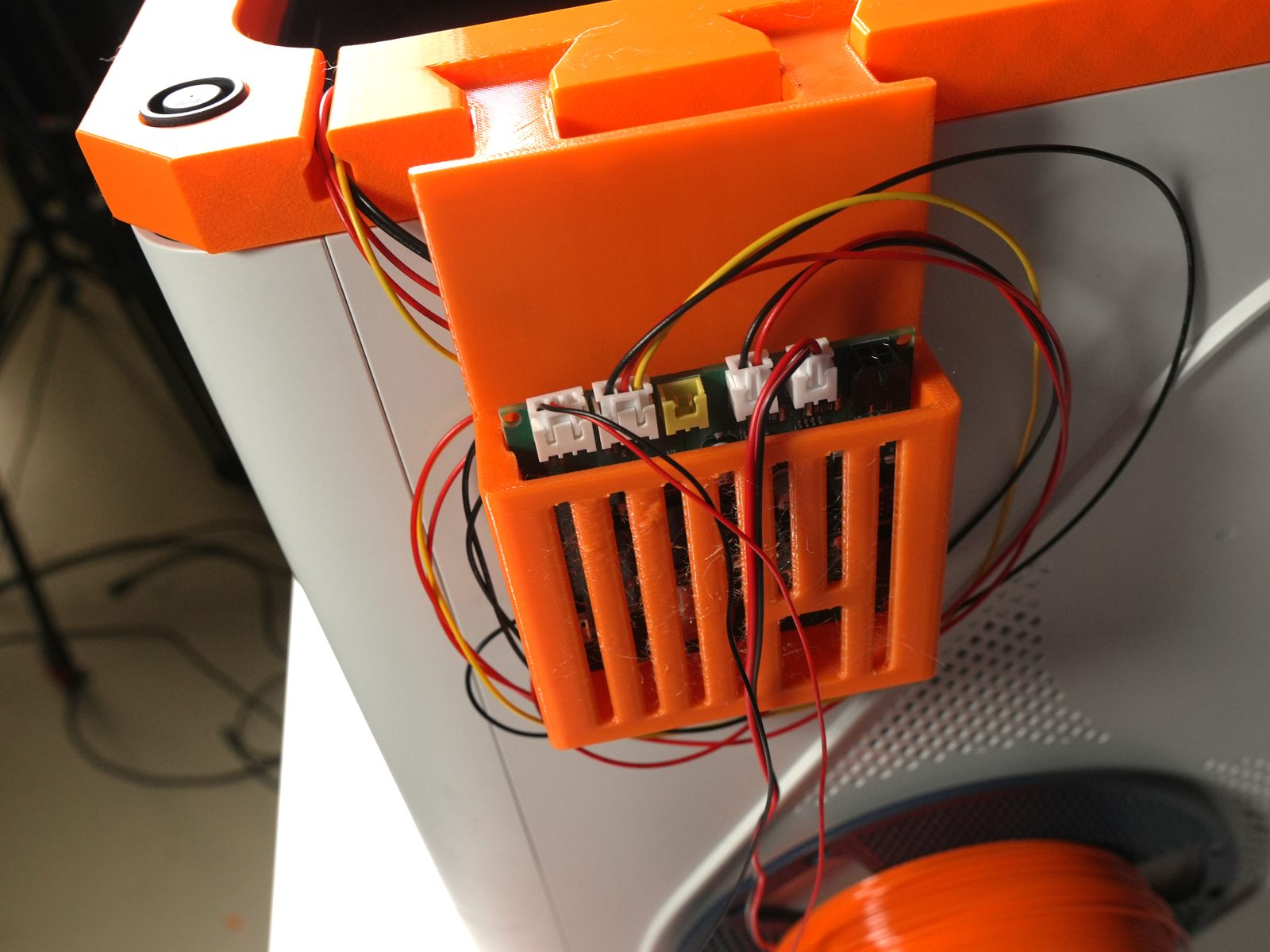
- Place the PCB holder at the designated location.
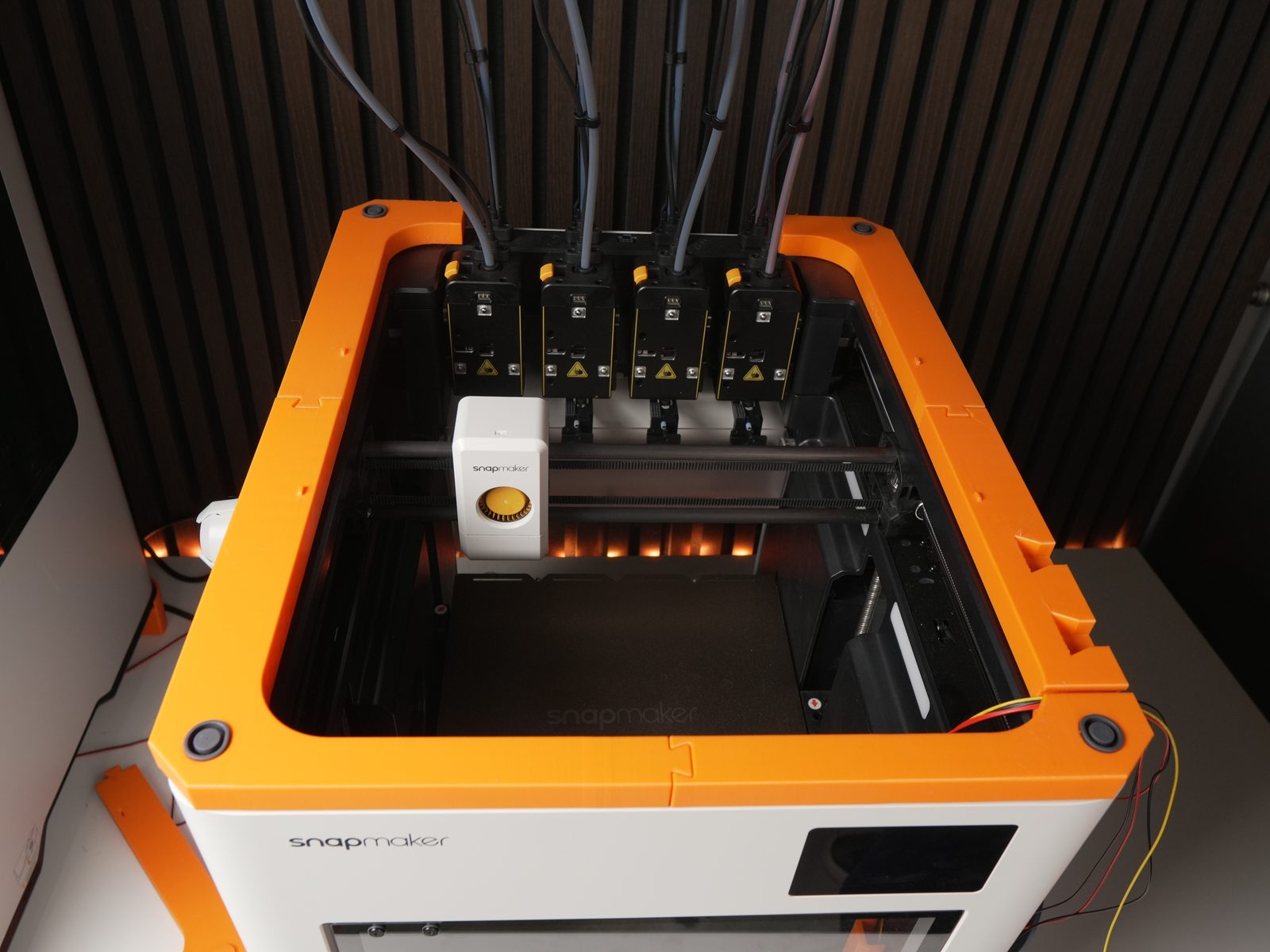
- Connect all cables.
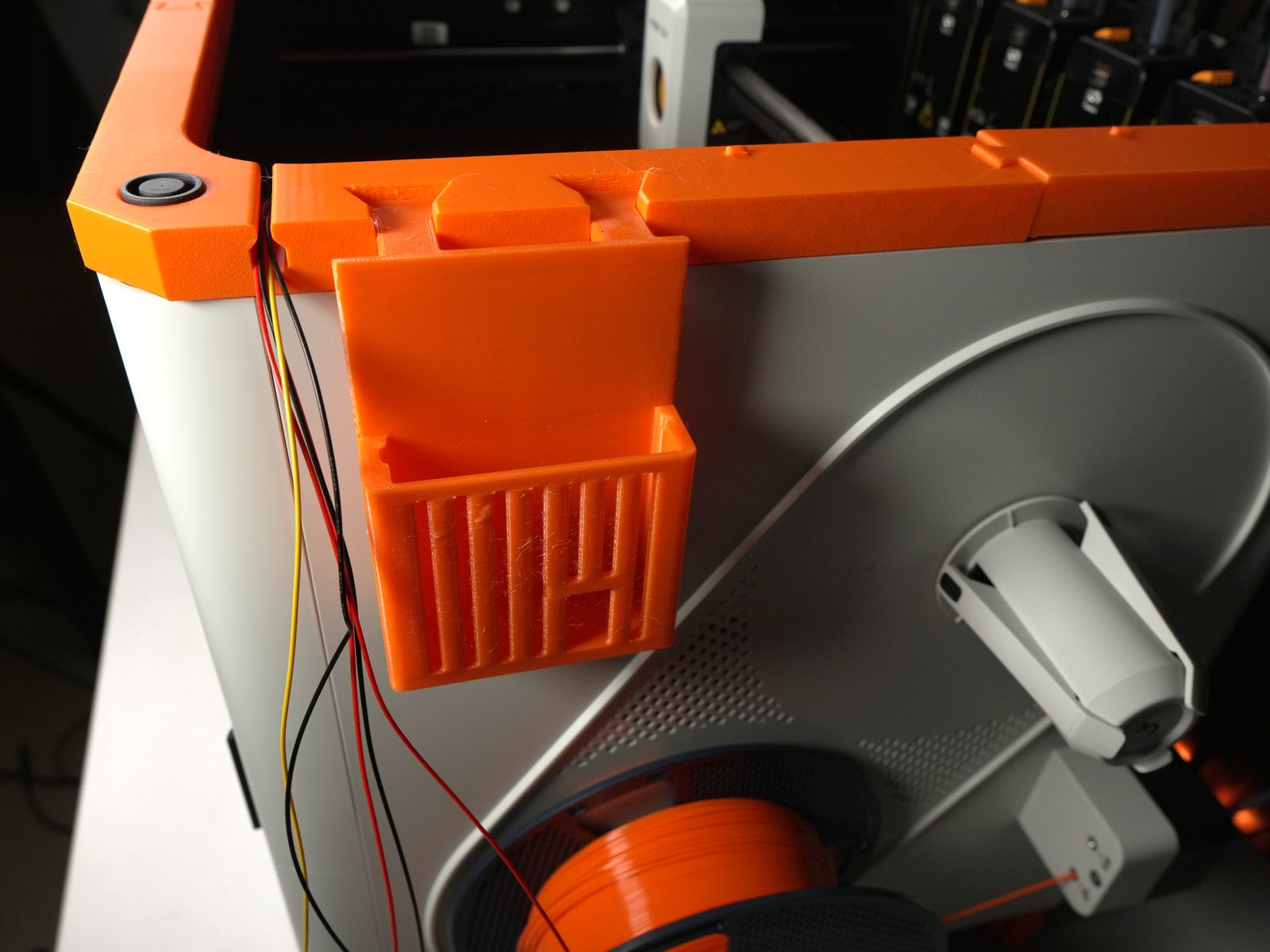
- Connect the door handle and door bracket using an M3 bolt and nut at the right hole.
- Put the quick-release pin into the left hole.
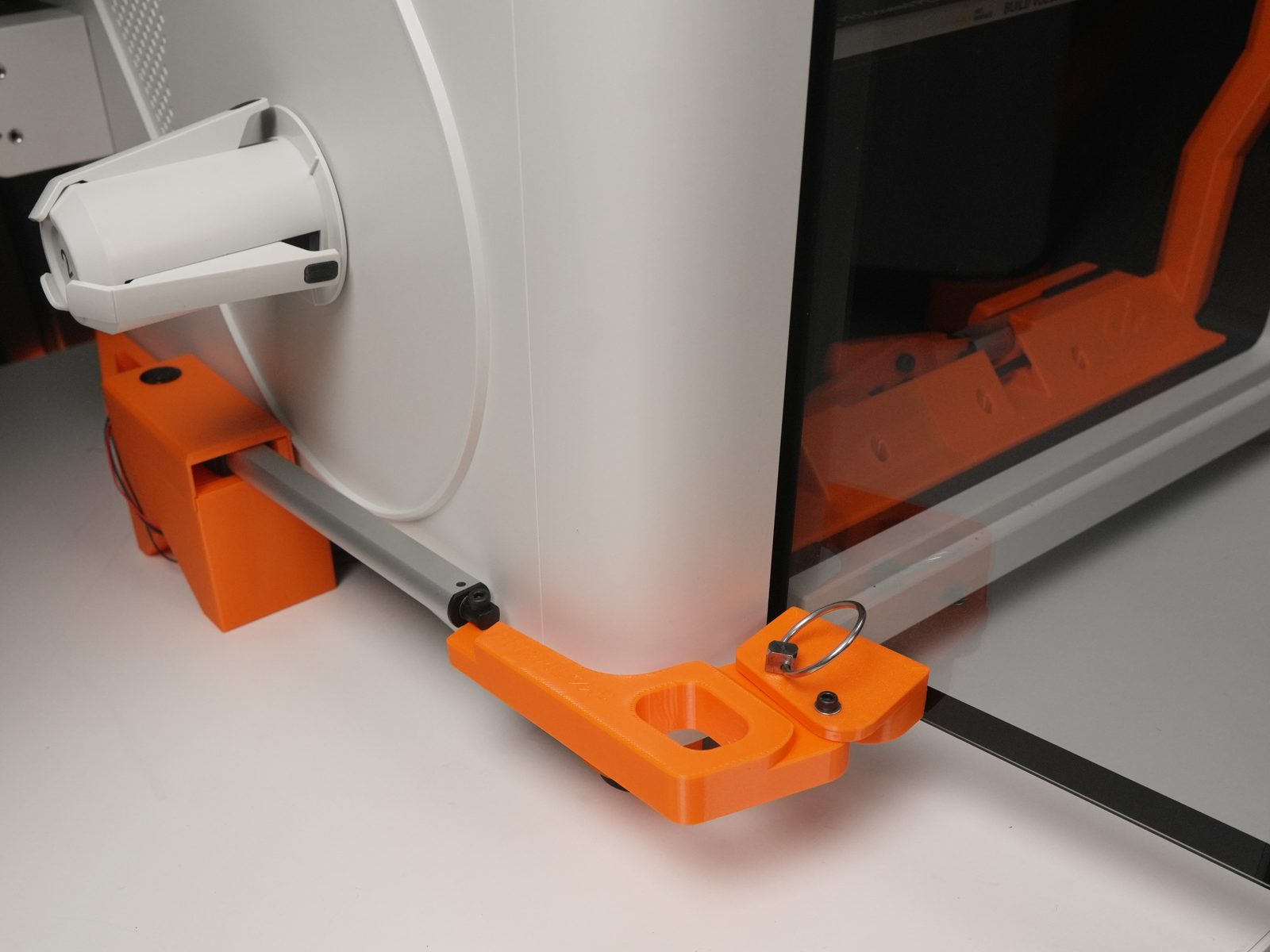
- Connect the door handle to the actuator using an M4 bolt and nut.
- Unscrew the original print-head cover.
- Attach the print head and secure it with the original bolts.
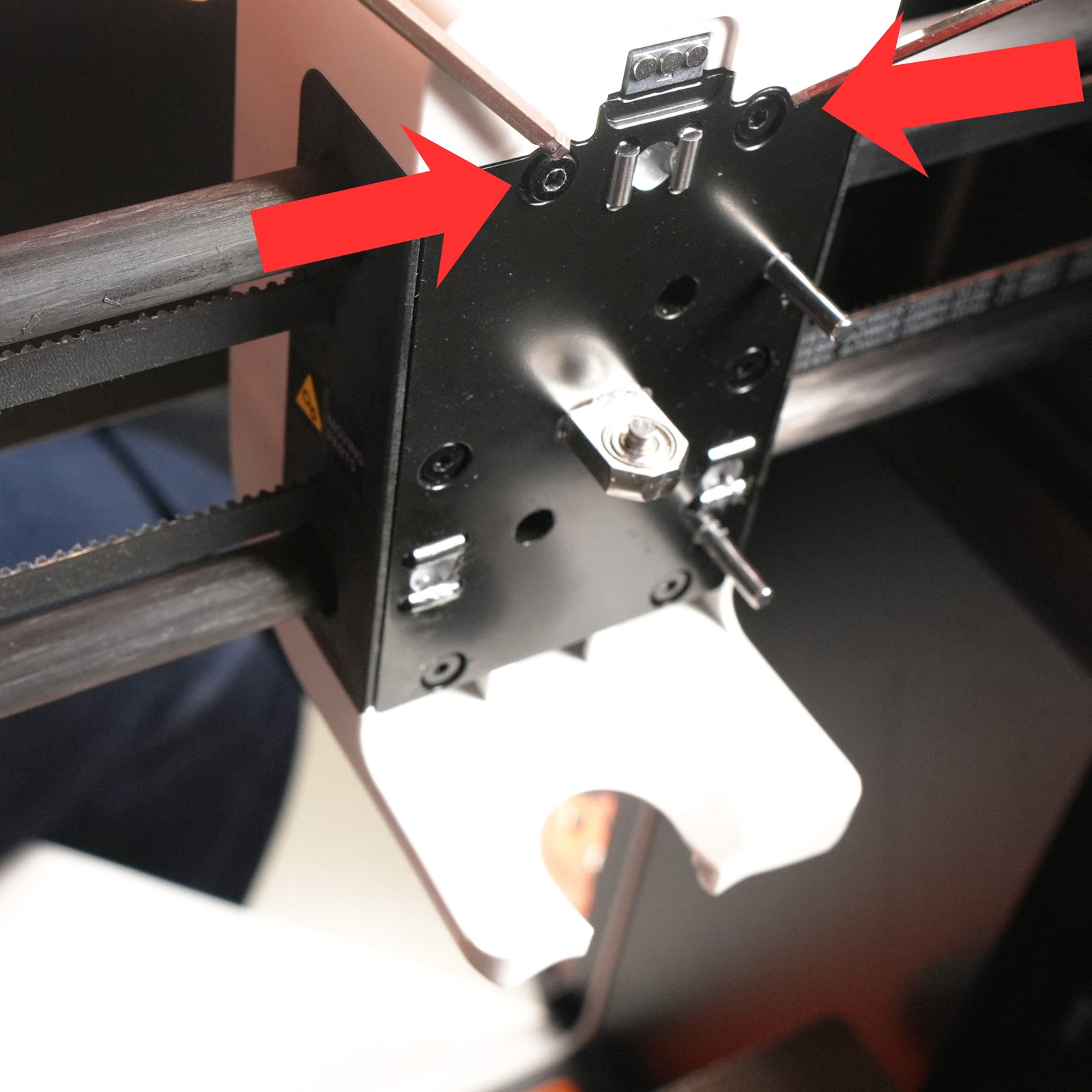
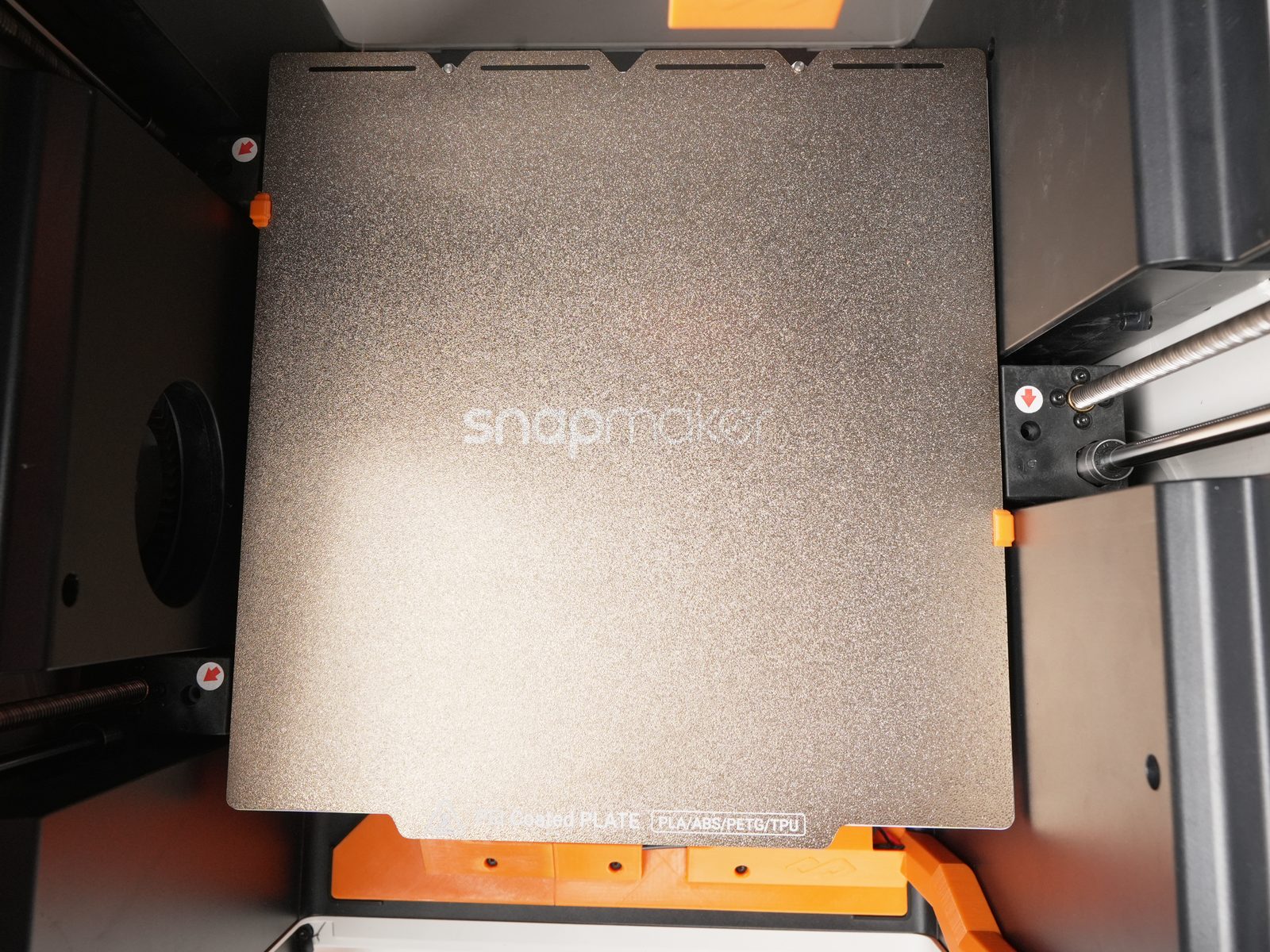
- Clip the bed.
Support
Section titled “Support”- Contact: Open a support ticket
- Discord community: included with every FarmLoop account, Lite too: connect your FarmLoop account on the Dashboard to join; Pro and Business members also get the member channels