
PrusaLink setup
This guide covers connecting your Prusa Core One / One+ to PrusaSlicer over the network via PrusaLink, so you can send prints directly from PrusaSlicer or export G-code to fine-tune in the FarmLoop app.
- Download and install PrusaSlicer.
- Connect the printer to your network from its touchscreen, and write down the IP address and password shown there.
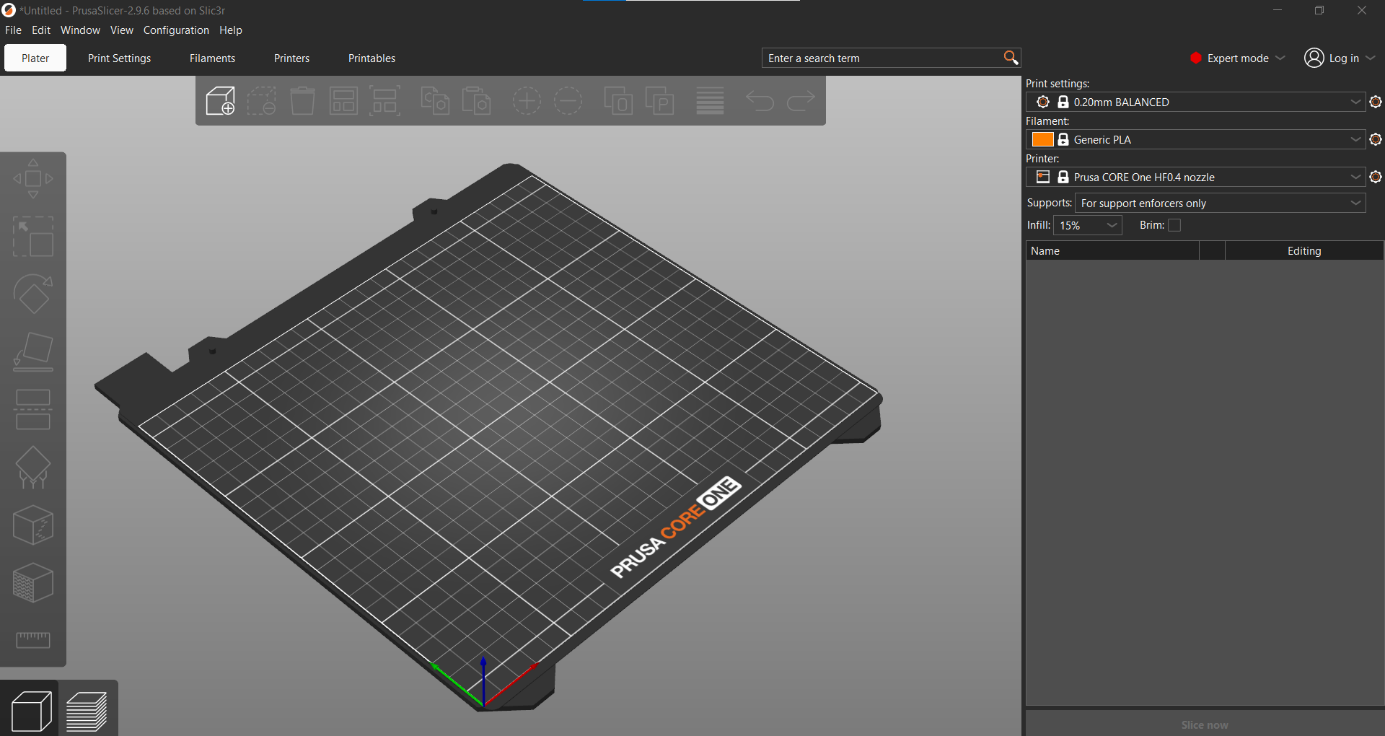
- In PrusaSlicer, make sure the Prusa Core One printer profile is selected.
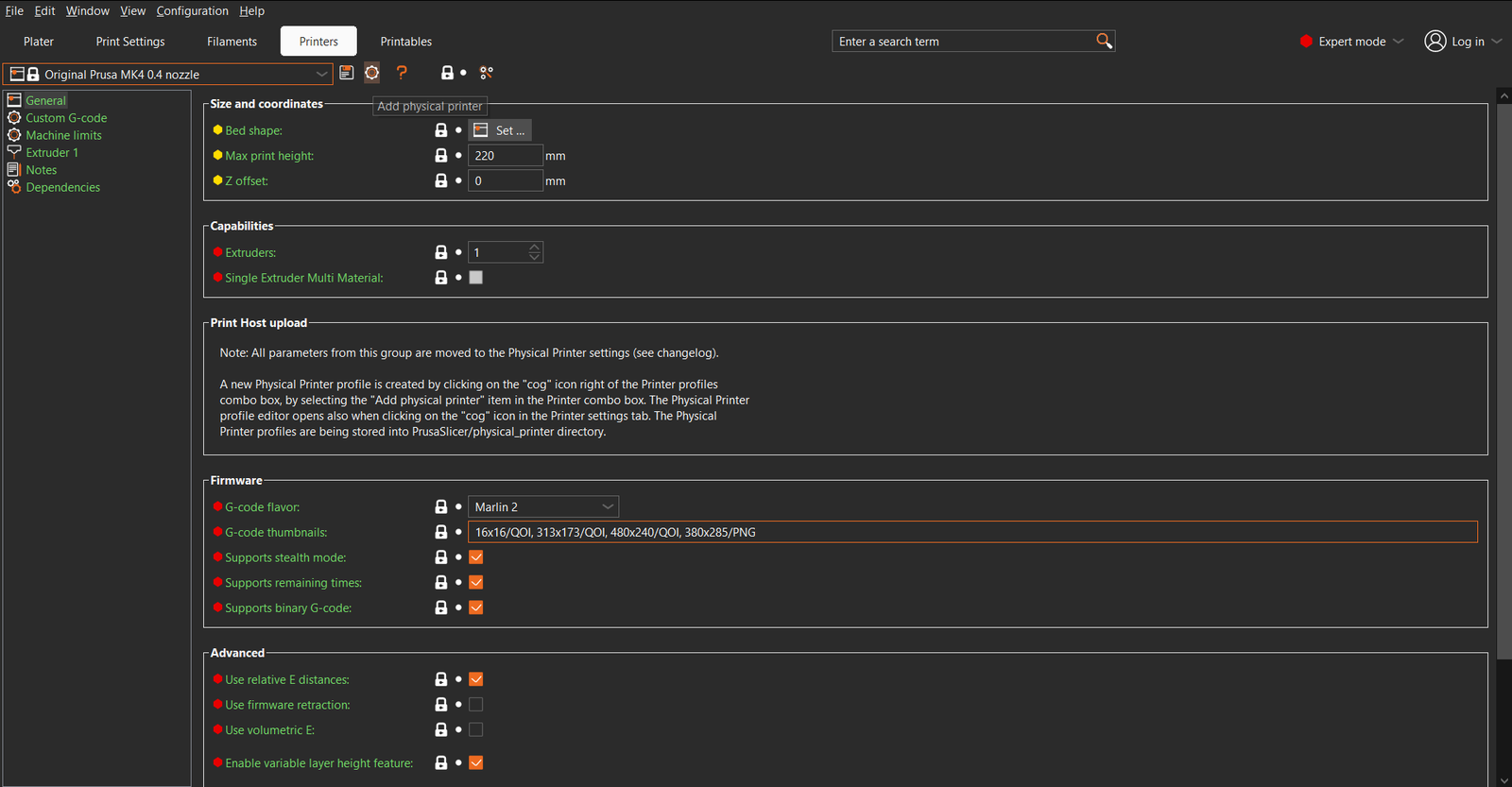
- Add the printer as a Physical Printer:
- Go to the Printers tab and click the gear icon next to the printer preset dropdown, then choose Add physical printer.
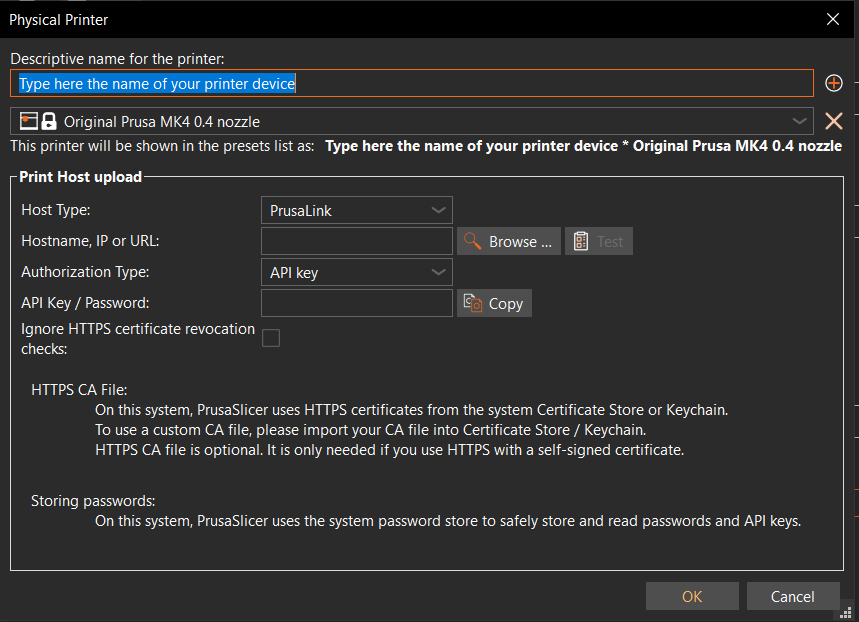
- Fill out the printer card: give it a name, set Host Type to PrusaLink, enter the printer’s Hostname/IP, and enter its API Key / Password. Press Test to confirm the connection.
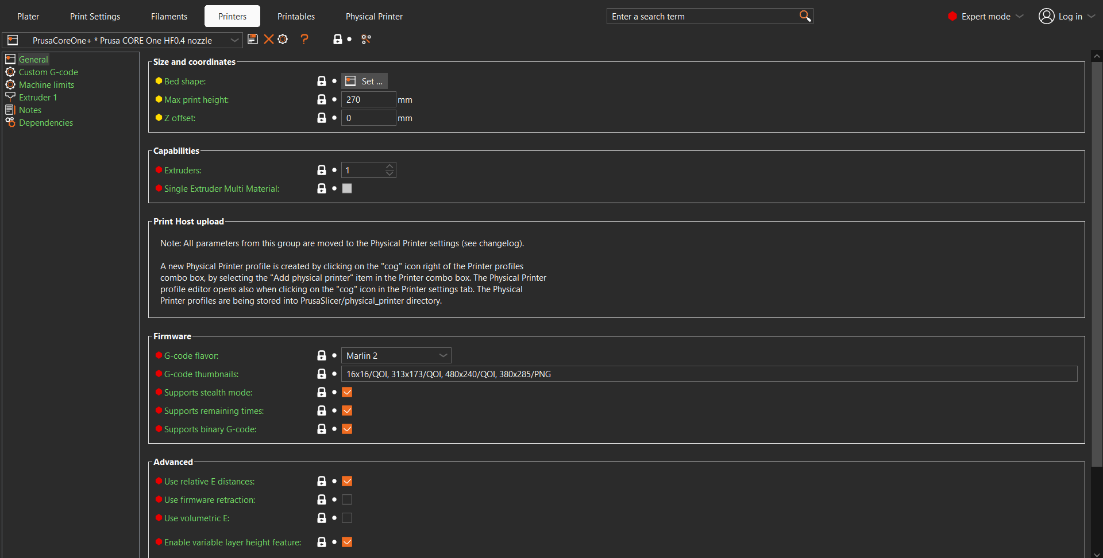
- A new Physical Printer tab appears in PrusaSlicer’s top bar - select it for full control of your printer and its files.
- Slice your part in PrusaSlicer. Ideally, position your part at the front left of the bed.
- Send the print:
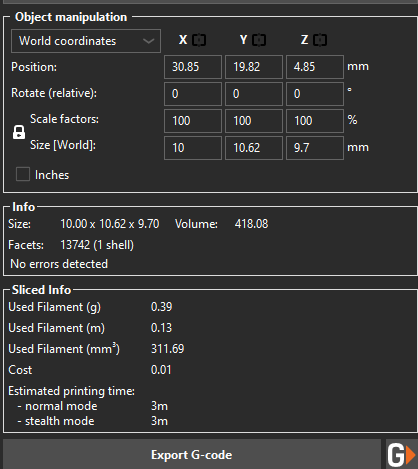
- Send directly: use the print/export button at the bottom right of the sliced-part panel.
-
Or export and fine-tune in the FarmLoop app for full automation: go to app.3d-farmers.com/user/farmloop. Make sure to deselect Supports binary G-code under Printer Settings > General > Firmware first.
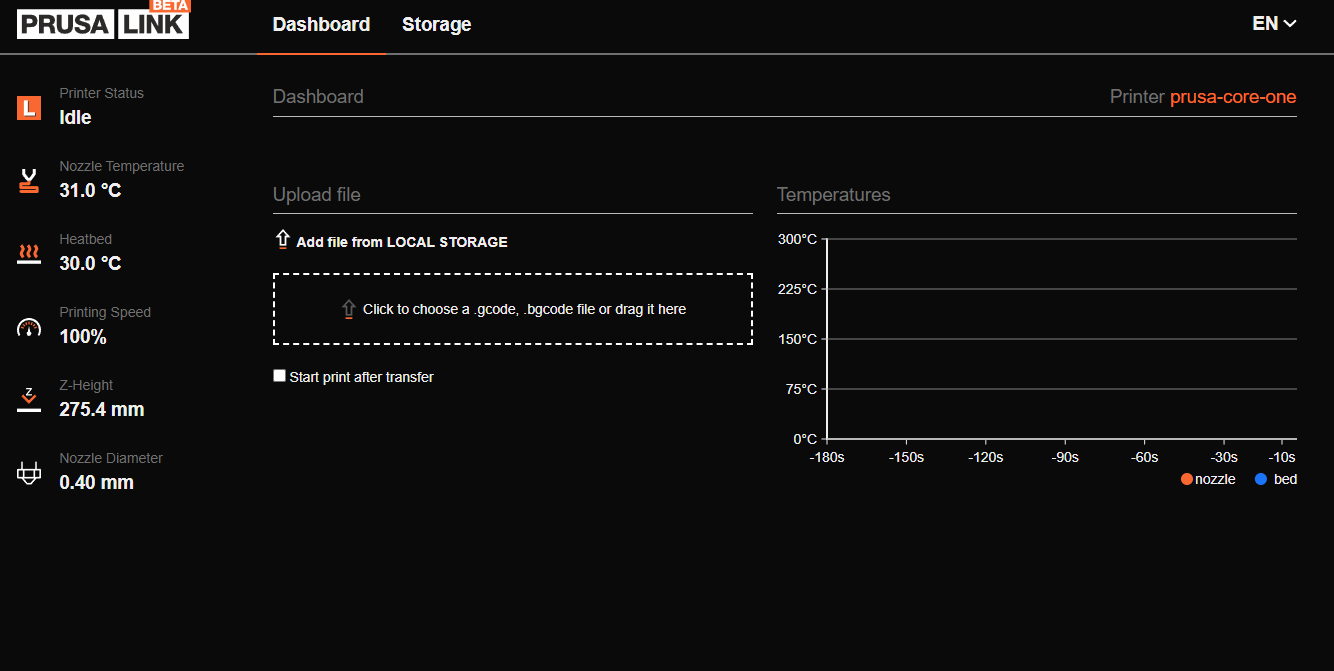
After fine-tuning, drag the resulting
.gcodefile into PrusaLink’s upload field. Optionally check Start print after transfer to begin immediately.
Support
Section titled “Support”- Contact: Open a support ticket
- Discord community: included with every FarmLoop account, Lite too: connect your FarmLoop account on the Dashboard to join; Pro and Business members also get the member channels